Prepare while connected
Open and prepare the inspection before leaving reliable connectivity.


Prepare a Fire Door inspection while connected, continue recording answers and evidence in low-signal areas, then synchronise safely when connectivity returns. MYLU Fire keeps the field workflow moving without pretending every building has reliable mobile coverage.
Already use MYLU Fire? Sign in.
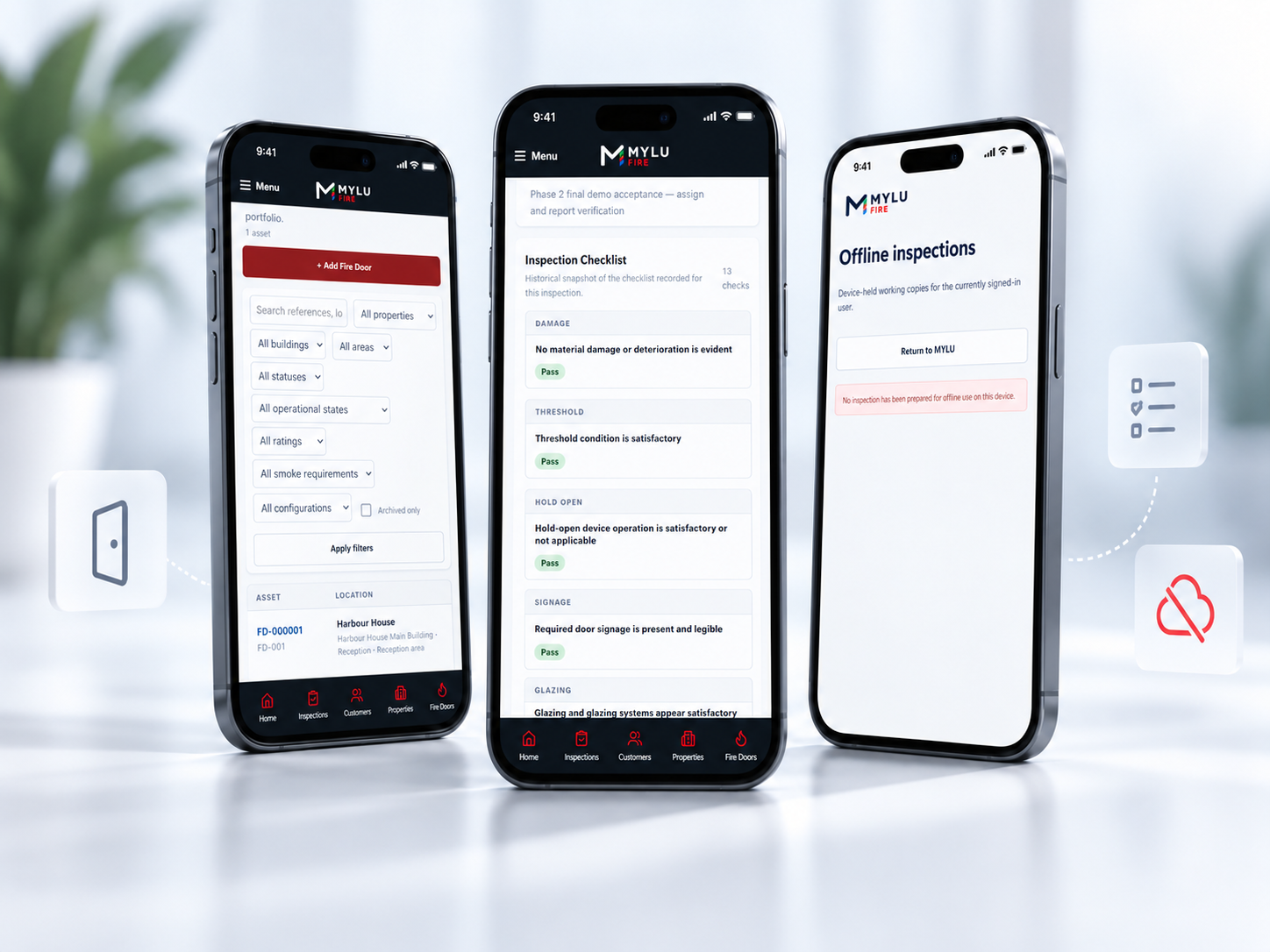
Offline working starts deliberately. While connected, prepare the inspection so the Fire Door records and inspection state needed for the visit are available locally on the device before you enter a basement, riser, plant area or other low-signal location.
Open and prepare the inspection before leaving reliable connectivity.
Work through the structured Fire Door inspection without relying on a live mobile connection.
Inspection answers and captured evidence remain available on the device while offline.
When connectivity returns, use the normal sync and retry workflow to move the prepared work back to the server safely.
MYLU Fire is designed for the reality of inspection work inside buildings. Once prepared, the inspector can continue recording inspection answers and evidence locally instead of abandoning the workflow when the mobile signal drops.
The offline state is deliberate and visible, so the inspector can understand whether the inspection is prepared, waiting to sync or requires another retry.
Continue the same door-by-door workflow used online.
Keep captured evidence with the prepared inspection until it can upload safely.
See whether work is prepared, pending synchronisation or needs another retry.
Return to the prepared inspection rather than rebuilding the visit from handwritten notes.
When connectivity returns, MYLU Fire synchronises the prepared inspection through a controlled retry process. Evidence uploads use the same provenance and immutable-original model as online work, and sync conflicts are surfaced rather than silently overwriting server state.
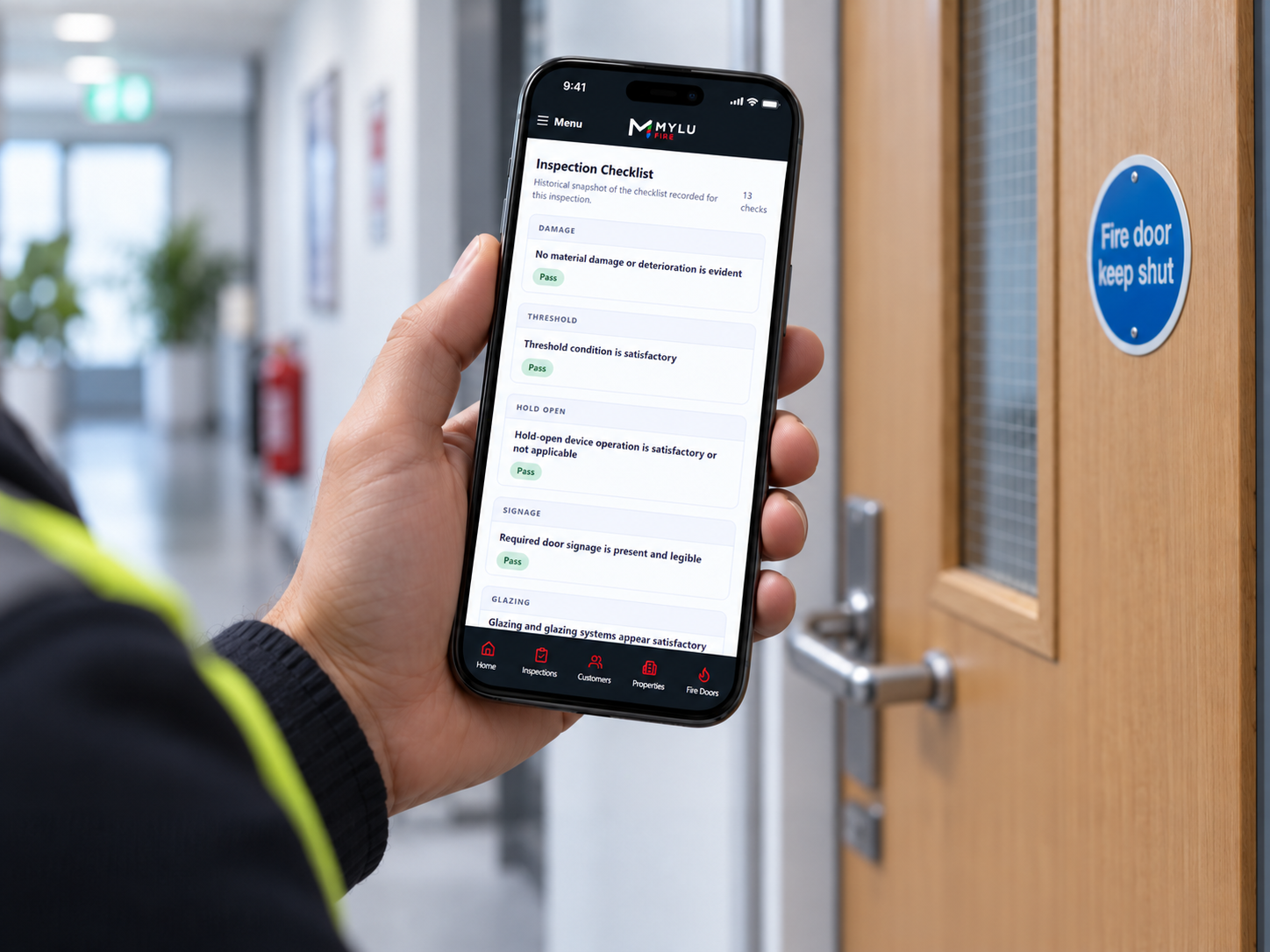
MYLU Fire is an installable Progressive Web App. On iPhone, keep the installed PWA open or backgrounded normally while working offline. Avoid force-closing it while offline because iOS may require connectivity before a fully closed installed PWA can launch again.
This is a platform limitation rather than a loss of the locally retained inspection data. Prepared inspection and evidence state remains on the device until synchronisation can complete.
Evidence captured during prepared offline work remains connected to the relevant Fire Door and inspection. When connectivity returns, the normal upload workflow preserves source provenance and the immutable original rather than turning offline evidence into an untracked attachment.
This keeps offline field work within the same evidence model used for connected inspections.
Evidence remains associated with the Fire Door being inspected.
Camera and existing-photo sources remain distinguishable where applicable.
The original evidence file is retained when upload completes.
Synchronised inspections can move into the normal submit, review and approval lifecycle.
Offline capability is most valuable where inspection work and mobile coverage do not line up. MYLU Fire helps inspectors keep the workflow consistent in the parts of buildings where a browser-only online process would otherwise become a liability.
Prepare before entering lower levels or enclosed spaces where mobile reception is weak.
Continue inspection work without relying on each landing having a usable connection.
Keep a repeatable offline process for inspectors moving across varied building environments.
Yes, after the inspection has been prepared while connected. Inspectors can continue recording answers and evidence locally, then synchronise when connectivity returns.
Yes. MYLU Fire uses a deliberate preparation step so the inspection state needed for the visit is available locally before the inspector enters a low-signal area.
Evidence captured during prepared offline work remains associated with the relevant inspection and Fire Door. When connectivity returns, the normal upload and retry workflow preserves source provenance and the immutable original.
The offline workflow provides controlled synchronisation and retry when connectivity returns, with visible state so inspectors can confirm whether work has completed or still needs attention.
It is best not to. iOS may require connectivity before a fully closed installed Progressive Web App can launch again. Keep MYLU Fire open or backgrounded normally while working offline.
No. Prepared offline work remains part of the same Fire Door, inspection and evidence model. After synchronisation, it continues through the normal review, approval and reporting workflow.
No. MYLU Fire is an installable Progressive Web App used through a modern browser. It supports prepared offline inspection work but is not distributed as a native App Store or Google Play application.
Book a demonstration to see preparation, offline working, evidence and synchronisation as part of the wider Fire Door inspection workflow.