Identify the door
Keep a persistent Fire Door record within the correct customer, property, building and area context.


MYLU Fire gives each Fire Door a persistent digital record connected to its property, location, inspection history, evidence, QR identity, findings and remedial activity—so the register develops with the asset instead of becoming another static spreadsheet.
Already use MYLU Fire? Sign in.
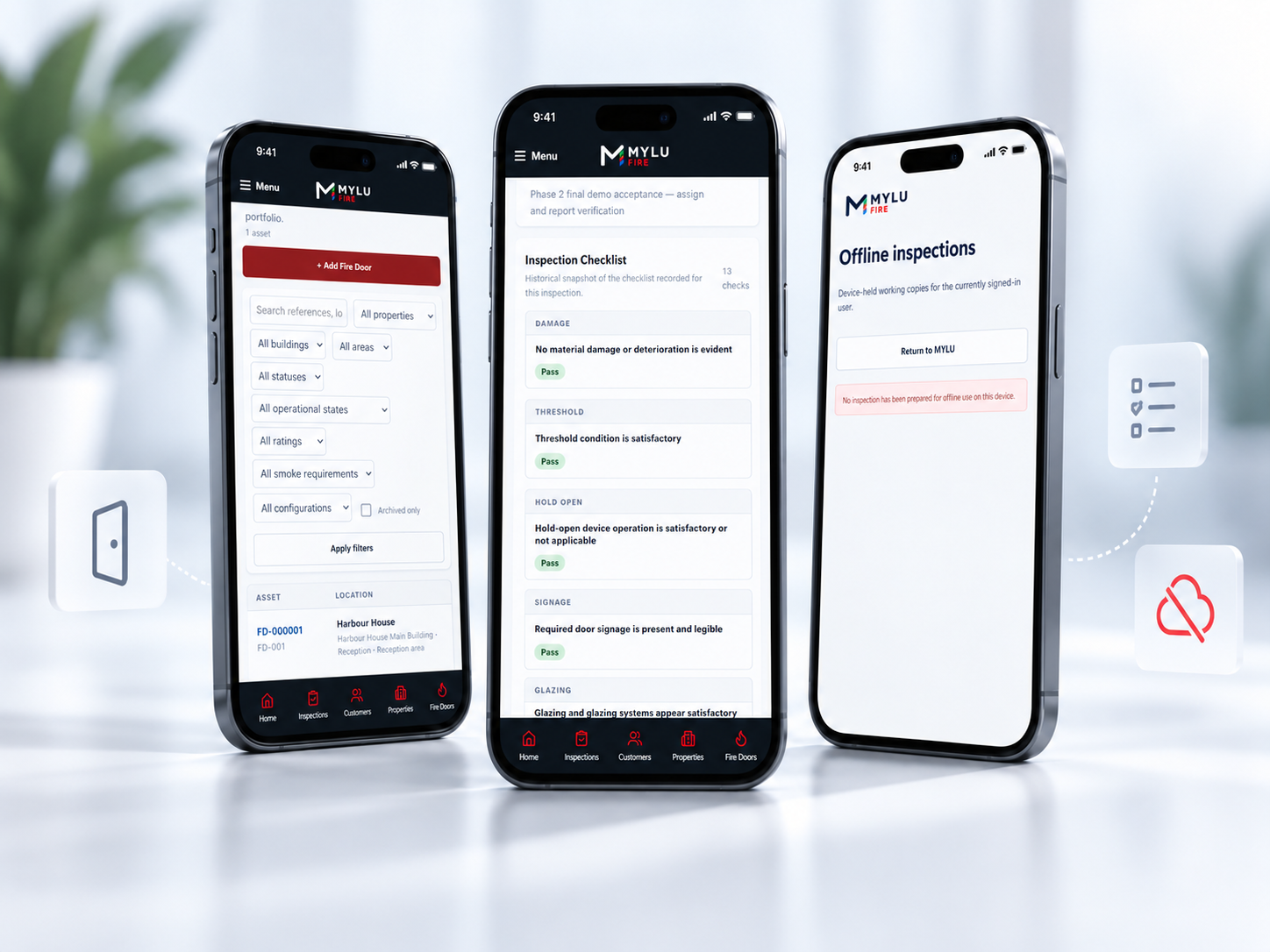
A useful Fire Door register should tell you more than a door number and location. MYLU Fire keeps the identity of each door connected to the information needed to inspect it, review it and understand what has happened over time.
Keep a persistent Fire Door record within the correct customer, property, building and area context.
Retain inspection outcomes, findings, evidence and approved reports against the same asset.
Keep defects and remedial references connected to the door instead of separating them into unrelated files.
Use controlled QR identity where required to reconnect the physical door with its digital record.
Fire Doors sit inside real buildings, not isolated software records. MYLU Fire organises them through customer and property structures so inspectors and reviewers can understand where a door belongs before they inspect or review it.
The register can retain building and area context alongside the door identity, helping avoid duplicate or ambiguous records as portfolios grow.
Keep each property portfolio under the correct organisation.
Connect Fire Doors to the premises they protect.
Retain practical location context for inspection teams.
Keep one record through repeated inspections and changes.
The current condition matters, but so does what came before it. MYLU Fire keeps inspection activity, findings, evidence and approved report records connected to the door so teams can review history without reconstructing it from separate folders and spreadsheets.
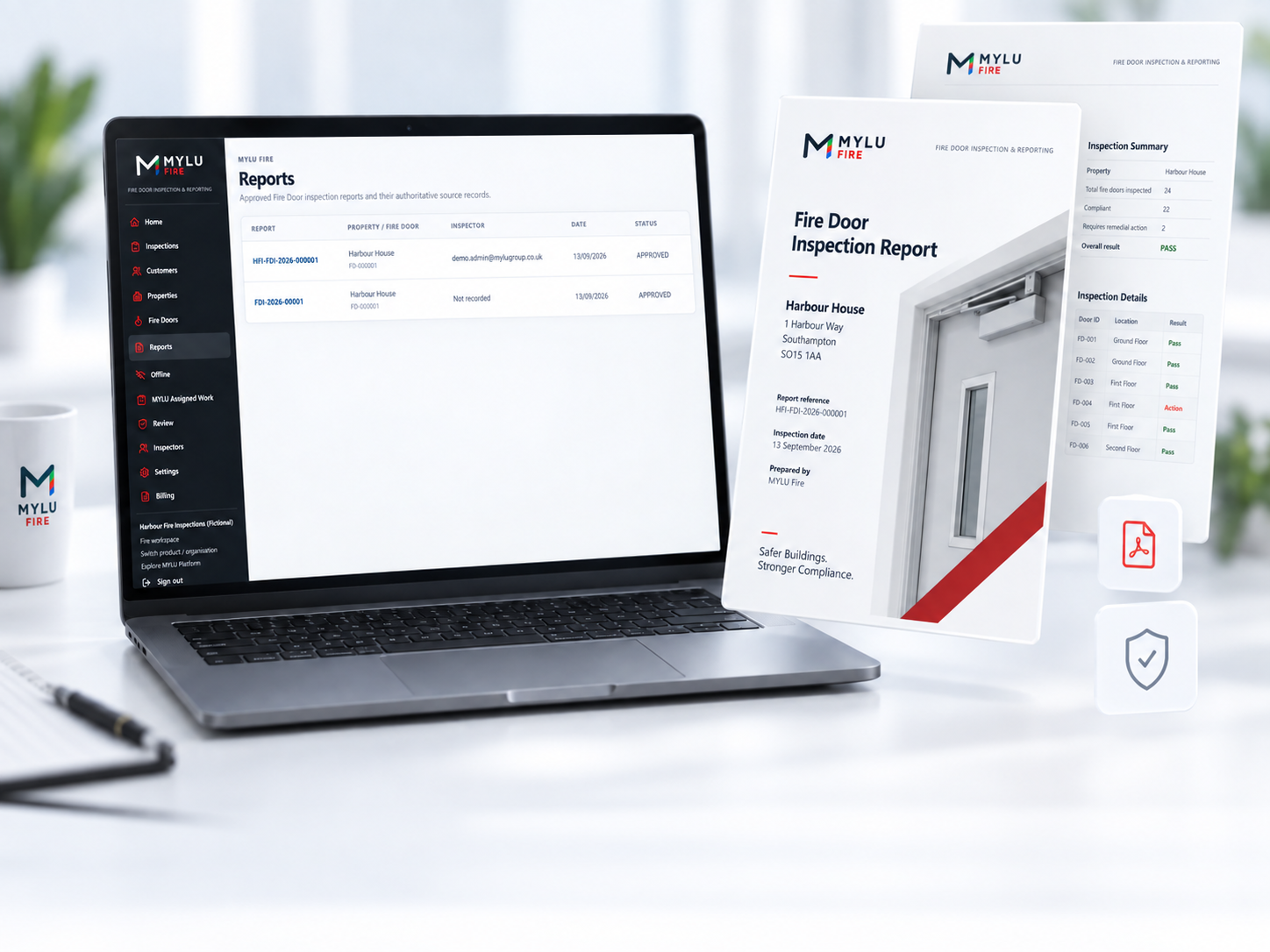
MYLU Fire supports controlled QR tag batches and assignment to Fire Doors. A scan can resolve the relevant asset record so the inspector starts from the right door instead of relying on handwritten labels or memory.
Tag history can distinguish active, damaged, lost, revoked and replacement states. The QR identifies the door record; it does not authenticate the person scanning it.
Explore Fire Door QR taggingAssign an available tag to the intended Fire Door.
Use the physical tag to resolve the correct asset record.
Keep identity continuity when a tag is replaced.
Track damaged, lost or revoked tags without silently reusing identity.
Inspection findings should not disappear into a separate remedial list. MYLU Fire can retain the relationship between a Fire Door defect and later remedial activity, helping the register remain useful after the inspection has finished.
This creates continuity between the asset, the inspection evidence and the work that follows.
Retain the inspection issue against the relevant door.
Connect follow-up work back to the originating finding.
Keep later activity visible against the asset record.
Build a clearer record across repeated inspection cycles.
The register is part of the operational workflow: inspectors use it to identify and inspect doors, reviewers use it to understand submitted work, and owners use it to retain an organised asset history across customers and properties.
Open the right Fire Door record, complete inspections and capture evidence in context.
Review submitted inspections with the door history and evidence available alongside the current work.
Maintain the organisation, register, team access and ongoing visibility across Fire Door records.
A digital Fire Door register is a structured record of the Fire Doors being managed, including their identity, location and relevant inspection history. MYLU Fire keeps each door connected to inspections, evidence, findings, reports and asset history.
A Fire Door record can retain customer and property context, building and area location, inspection activity, findings, evidence, identifiers, approved reports, QR identity and linked remedial information where applicable.
Yes. MYLU Fire keeps inspection activity connected to the persistent Fire Door record so previous outcomes, findings, evidence and approved reports remain available in context.
Yes. Controlled QR tags can be assigned to Fire Doors and scanned to resolve the relevant asset record. The QR identifies the door record; it does not authenticate the person scanning it.
Yes. Findings can remain connected to the relevant Fire Door and to later remedial references, helping preserve the route from inspection issue to follow-up activity.
Yes. MYLU Fire runs in a modern browser and can be installed to a phone or tablet as a Progressive Web App, so inspectors can open Fire Door records as part of the mobile inspection workflow.
No. The register is part of the wider MYLU Fire inspection and management workflow, including mobile inspections, photographic evidence, offline working, review, reporting, QR identity and remedial tracking.
Book a demonstration to see the Fire Door register, mobile inspection workflow, evidence and reporting working together.