Open the right door
Navigate through the customer, property, building and area structure or use a linked QR identity where available.


MYLU Fire gives inspectors a practical mobile workflow for recording Fire Door condition, capturing photographic evidence and completing inspections on site—including prepared offline working where signal is poor.
Already use MYLU Fire? Sign in.
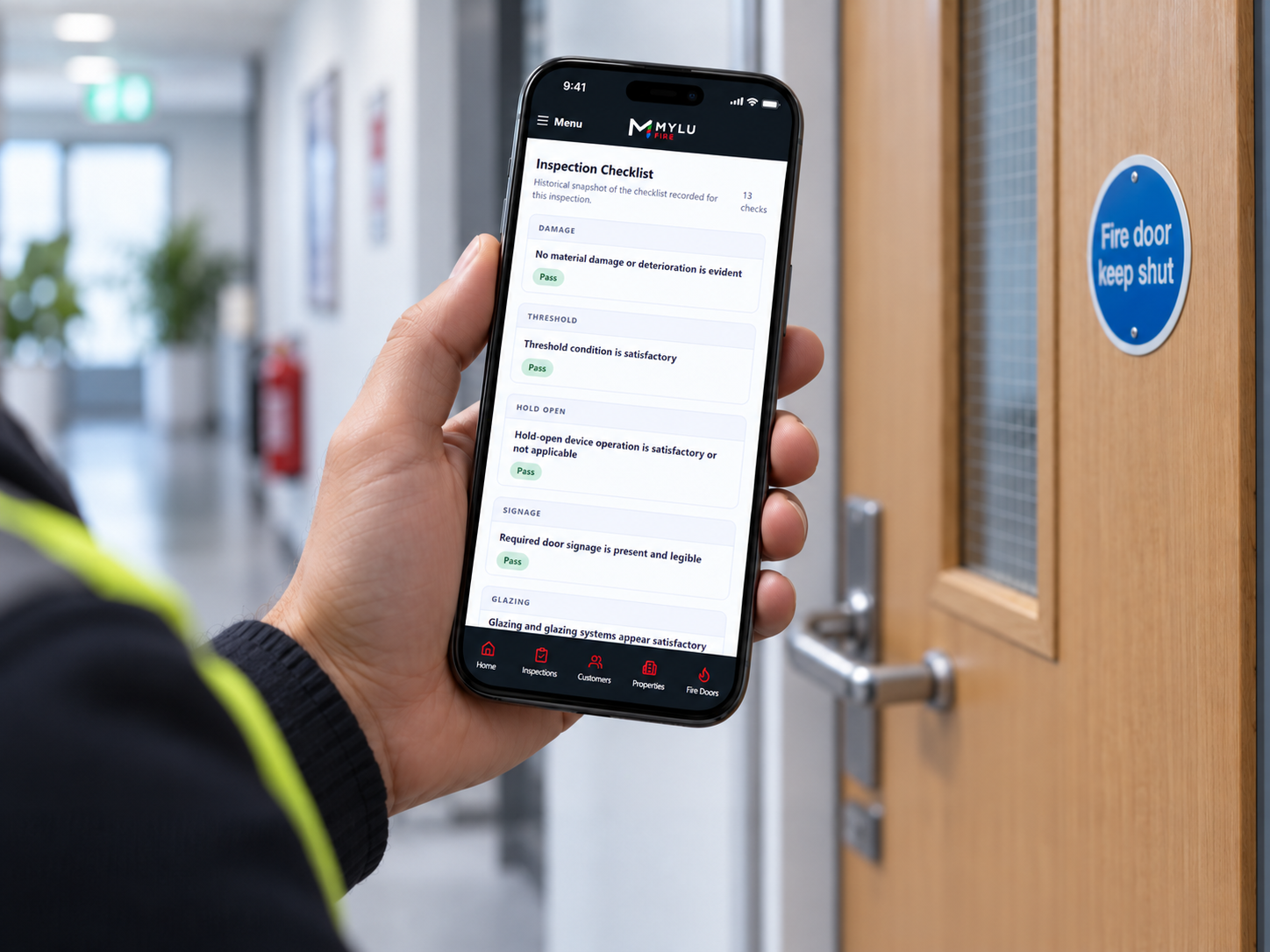
Open the correct customer, property and Fire Door record, work through a structured inspection and keep every answer, finding and photograph connected to that asset.
Navigate through the customer, property, building and area structure or use a linked QR identity where available.
Complete the structured Fire Door workflow on a phone or tablet without rebuilding notes later.
Add photographs at the point of inspection so evidence remains connected to the relevant door and finding.
Send the completed record into the appropriate review and approval workflow for the organisation.
Take a photograph with the device camera or select an existing image when that is appropriate. MYLU Fire records its source, preserves the immutable original and keeps the evidence connected to the inspection record.
Capture-time and GPS state are recorded only when they are genuinely available; the software does not invent missing location or timing data.
Camera, gallery and imported evidence remain distinguishable.
The original evidence file is preserved rather than silently replaced.
Evidence stays linked to the correct Fire Door and inspection.
Upload and synchronisation state remains visible when connectivity returns.
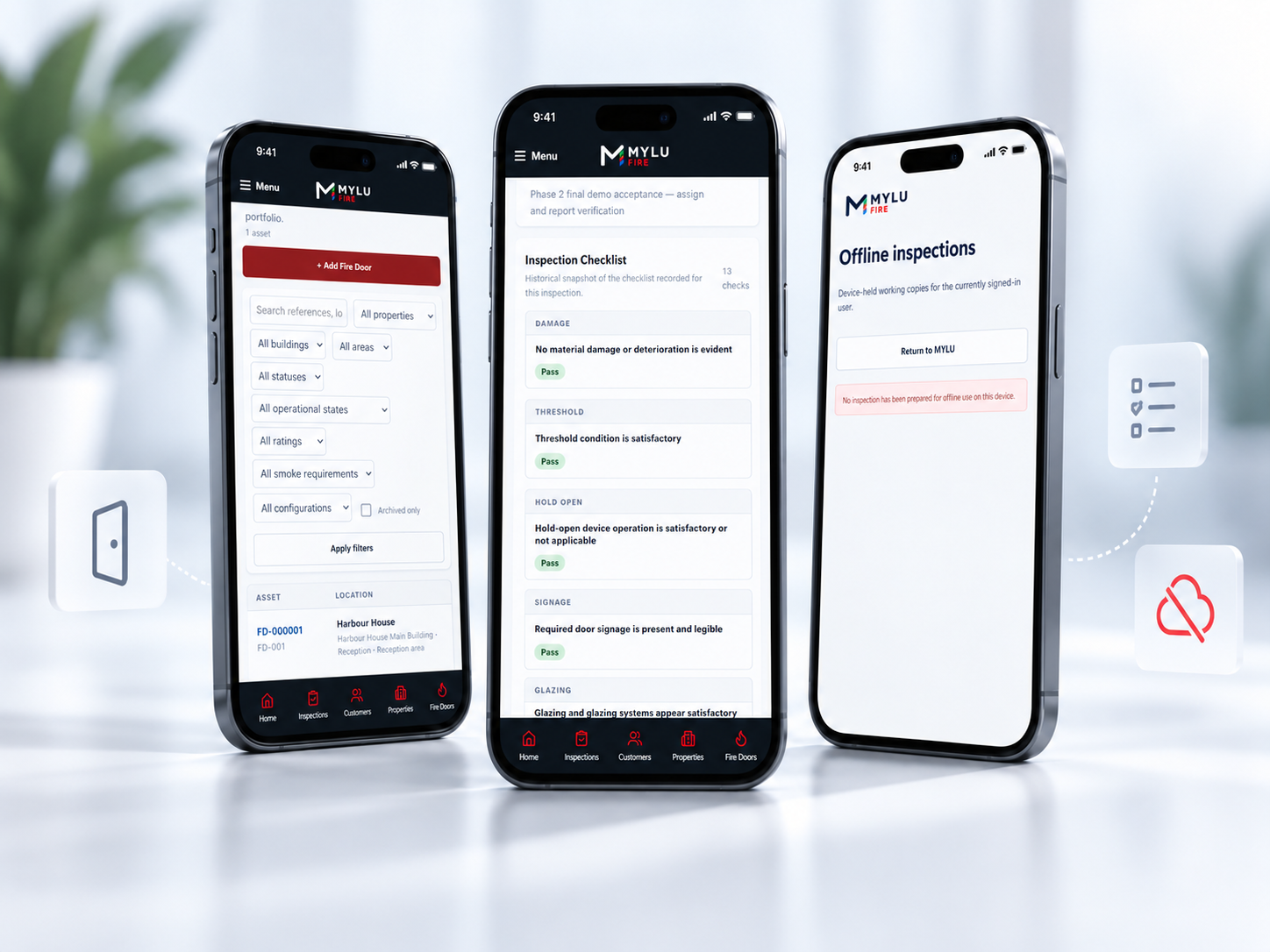
Prepare the inspection before entering a basement, riser or other low-signal location. MYLU Fire retains the prepared inspection, answers and evidence locally so work can continue offline.
When connectivity returns, synchronisation and retry controls move the inspection state back to the server without asking the inspector to start again.
See how offline Fire Door inspections workA completed inspection is not an isolated form. It remains connected to the persistent Fire Door record, its property and location, previous inspection activity, findings, evidence and remedial references.
Where QR tags are used, scanning helps resolve the correct asset record. The QR identifies the door; it does not authenticate the person scanning it.
Explore the digital Fire Door registerMaintain one identity through repeated inspections.
Keep outcomes, findings and approved reports in context.
Connect a controlled physical tag to the correct Fire Door record.
Retain the connection between findings and later follow-up activity.
Inspectors can submit completed work for review. A Reviewer or authorised Owner can return it for correction or approve the inspection, keeping the state and responsibility clear.
Approved inspections can produce professional branded reports that bring the structured result and photographic evidence together in a secure, downloadable record.
Explore Fire Door inspection reporting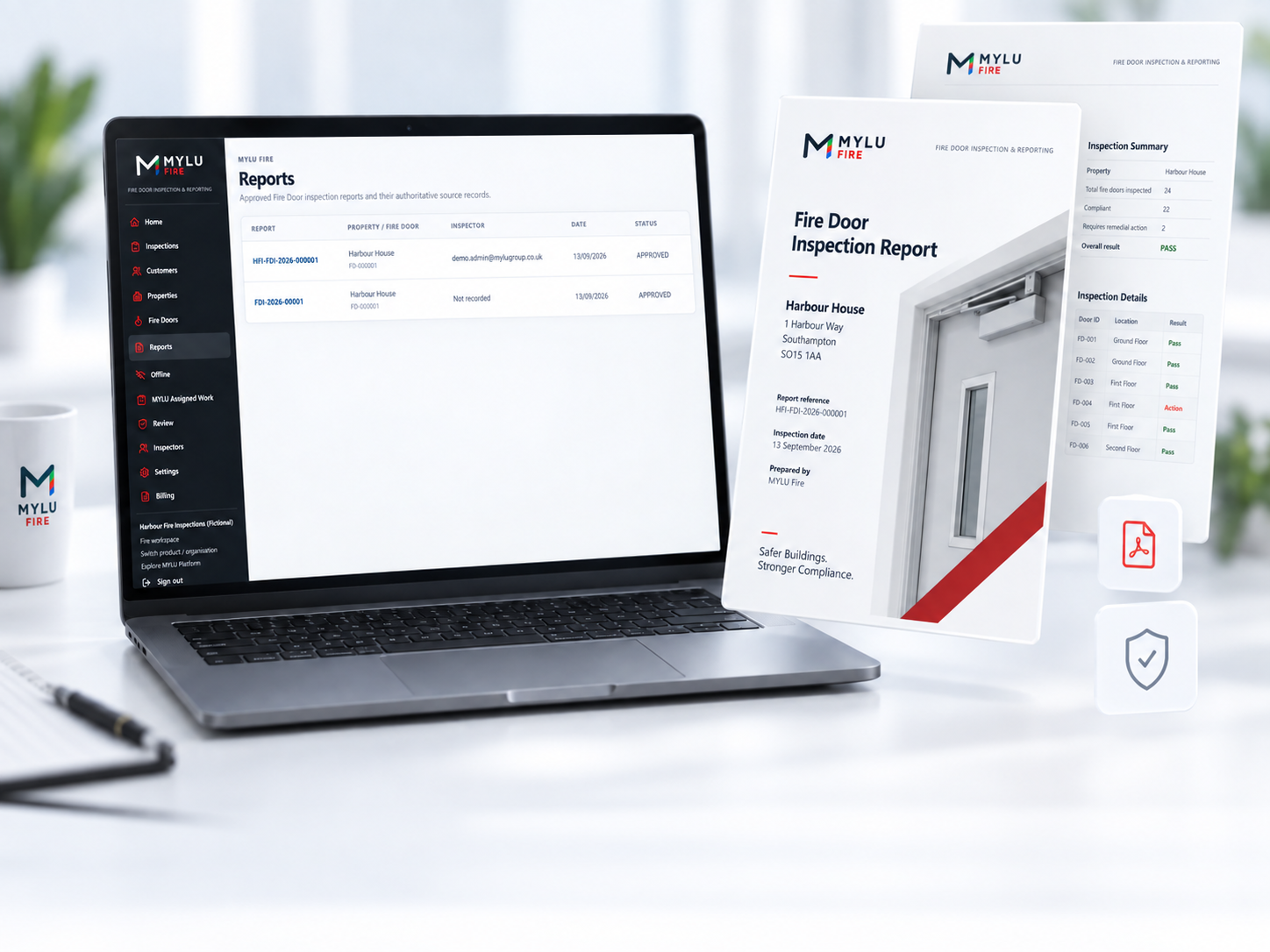
Role-aware access keeps operational inspection tasks separate from review and organisation management.
Prepare and complete assigned inspections, capture evidence, work offline and submit work.
Review submitted inspections, return corrections and approve work where authorised.
Manage the organisation, inspectors, access and commercial settings while retaining operational visibility.
MYLU Fire is an app-like Progressive Web App used through a modern browser. It can be added to a device home screen, but it is not distributed as a native App Store or Google Play application.
A fire door inspection app provides a structured mobile workflow for inspecting each door, recording findings and retaining evidence against the correct asset. MYLU Fire also connects submitted work to review, reports and door history.
Yes. MYLU Fire runs in a modern browser and can be installed to a phone or tablet home screen as an app-like Progressive Web App.
Yes, after preparing the inspection while connected. Answers and evidence remain available locally and can synchronise or retry when connectivity returns. On iPhone, avoid force-closing the installed PWA while offline because a cold launch may require connectivity.
Yes. Inspectors can capture camera evidence or select an existing image where appropriate. MYLU Fire records source provenance, preserves the immutable original and links the evidence to the relevant inspection and Fire Door.
Yes. An Inspector can submit completed work for an authorised Reviewer or Owner. The inspection can be returned for correction or approved through the controlled workflow.
Yes. Approved inspections can generate professional branded reports containing structured outcomes, findings and photographic evidence, retained with the inspection record.
MYLU Fire is an installable web app, also known as a Progressive Web App. It can be added to a phone or tablet home screen but is not distributed as a native App Store or Google Play application.
Book a demonstration or review the published MYLU Fire pricing.