Create a controlled tag batch
Generate a batch of available QR identities ready for assignment.


MYLU Fire connects physical Fire Doors to their digital records with controlled QR tags. Create tag batches, assign a tag to the right door, scan back to the asset and preserve replacement history without treating the QR code itself as user authentication.
Already use MYLU Fire? Sign in.
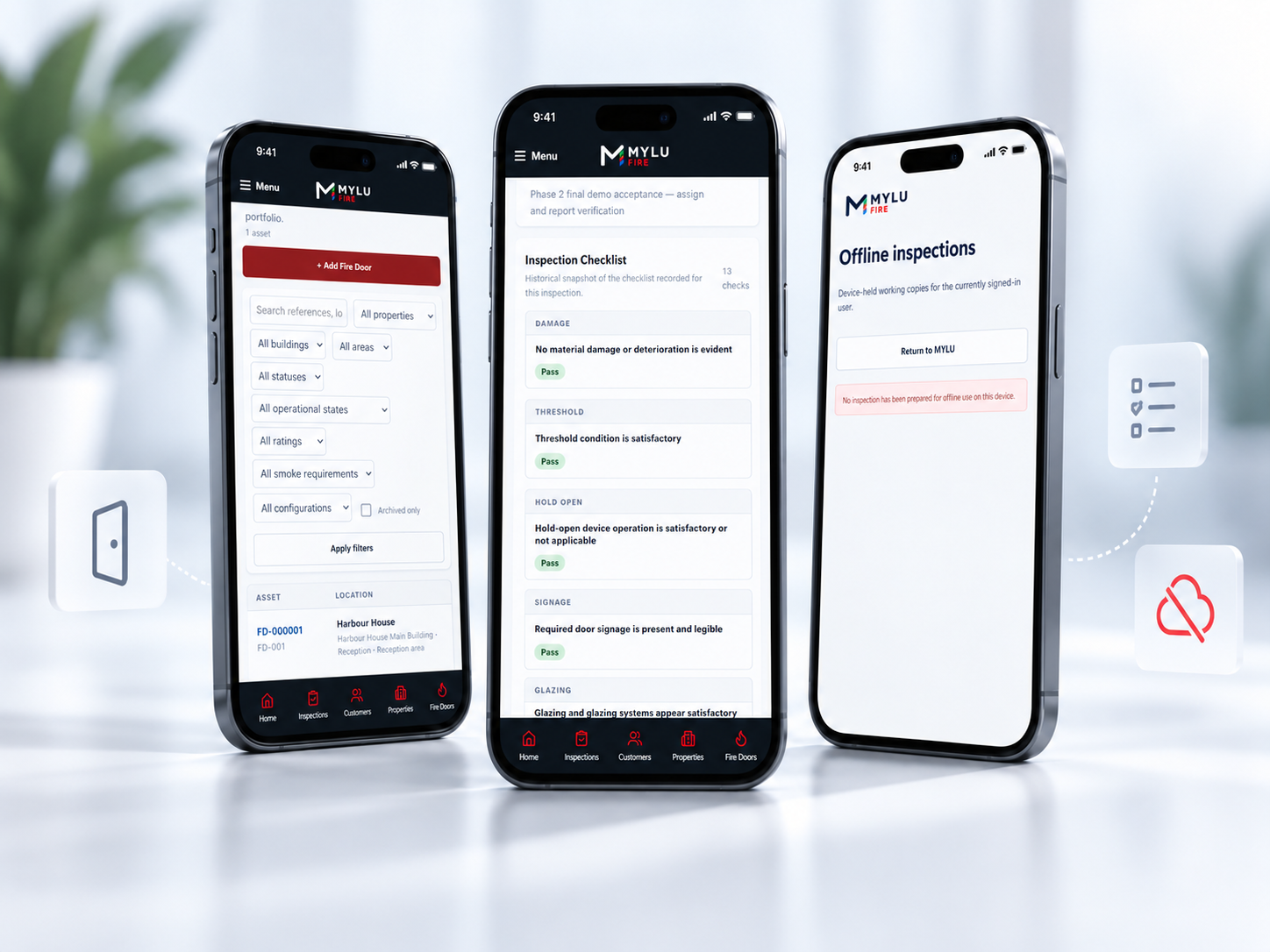
A QR tag is useful when it reliably resolves the right asset. MYLU Fire gives each assigned tag a controlled relationship with a Fire Door record, so inspectors can move from the physical door to its digital history without depending on handwritten references or searching a long list.
Generate a batch of available QR identities ready for assignment.
Scan an available tag and bind it to the intended Fire Door record.
Use the active tag to resolve the corresponding door and continue the authorised workflow.
Record damaged, lost, revoked or replacement tags without losing the door’s underlying identity.
Unassigned tags start as available identities rather than generic labels. When a tag is scanned for assignment, MYLU Fire connects it to the selected Fire Door and records that relationship so the active QR resolves to one controlled asset record.
This helps teams avoid duplicate door references and reduces the chance of a label being copied into the wrong spreadsheet or record.
Keep unassigned identities separate from active door assignments.
An active tag resolves to the Fire Door it is assigned to.
Keep the QR relationship with the asset rather than relying on a handwritten note.
Distinguish active, damaged, lost, revoked and replacement states.
Scanning an active MYLU Fire QR tag resolves the corresponding Fire Door record so an authorised user can open the right asset context before inspecting or reviewing it. The scan does not replace sign-in or permissions; it identifies the door, while MYLU Fire continues to enforce user access separately.

The Fire Door is the asset; the QR tag is one way to identify it. If a label is damaged, lost or revoked, MYLU Fire can retire that tag and assign a replacement while keeping the existing door, inspection history, evidence and related records intact.
This avoids turning a simple label replacement into a duplicate Fire Door record.
Mark a tag that can no longer be relied upon on site.
Remove a missing tag from active identification.
Explicitly prevent a tag from continuing as the active identity.
Assign a new tag while preserving the same Fire Door record and history.
QR tagging is not a separate register. It works with the persistent Fire Door record that already contains the door’s property context, inspections, evidence, findings, reports and remedial references.
That means a scan can lead back to the same operational history used by inspectors, reviewers and owners rather than opening an isolated tag database.
Explore the Fire Door registerKeep the tagged door inside the correct customer and property structure.
Return to the same door across repeated inspection cycles.
Keep inspection evidence and approved reporting tied to the underlying asset.
Retain follow-up history even if the physical QR label changes.
QR identity becomes more useful as the number of doors, properties and inspectors grows. It gives teams a consistent physical reference that reconnects each visit to the same digital asset record.
Scan to confirm the door record before starting work and capture new inspection evidence in context.
Review submitted inspection work against the same persistent asset identity and history.
Control tag inventory, assignment and replacement while retaining visibility across the wider Fire Door register.
MYLU Fire creates controlled QR tag batches that can be assigned to individual Fire Door records. Scanning an active tag resolves the corresponding door so authorised users can work from the correct asset record.
No. The QR tag is an identifier that points to the persistent Fire Door record. The door register remains the source of the asset history, inspections, evidence, findings and related records.
Yes. An available tag can be scanned and assigned to the intended Fire Door through the controlled assignment workflow, reducing the risk of manually entering the wrong identifier.
MYLU Fire keeps tag status and replacement history. Damaged, lost or revoked tags can be taken out of active use and a replacement can be assigned without silently reusing the previous identity.
No. Active tag identity is controlled so a tag resolves to the Fire Door it is assigned to rather than acting as a reusable generic label.
No. The QR identifies the asset record; user authentication and permissions remain separate. An authorised user still needs appropriate MYLU Fire access to work with protected inspection data.
Yes. QR identity can be added to an existing Fire Door record without creating a new door, so the existing inspection and asset history can remain connected to the same record.
Book a demonstration to see tag assignment, scan-to-door workflows, Fire Door history and inspections working together.