See allocated work
View the work requests, work orders and jobs allocated to your organisation with the relevant customer and property context attached.
- Allocated work
- Work orders
- Customer context
- Property details
The MYLU Contractor Portal gives authorised contractors and specialist service providers a focused workspace for allocated work, site activity, inspections, evidence, RFQs, quotations, documents and invoices.
Contractors can see jobs, schedules, inspections, quotes, documents, invoices and recent activity in the same visual language as the main MYLU Platform.
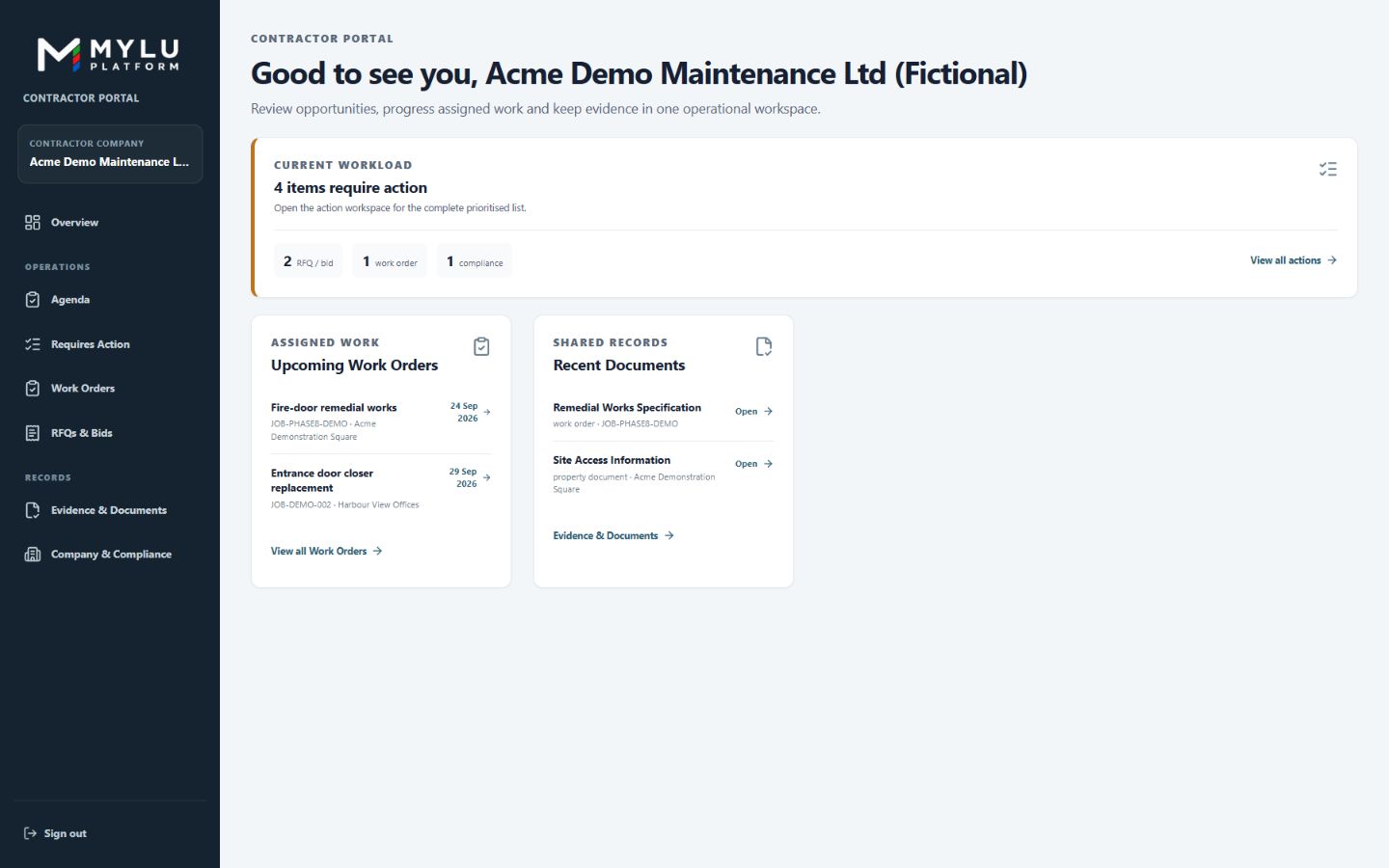
View the work requests, work orders and jobs allocated to your organisation with the relevant customer and property context attached.
Update job activity and progress while work is being delivered so site records remain connected to the office workflow.
Attach photographs, documents and supporting evidence to the work, inspection or property record they support.
Record inspection activity, findings and evidence through structured workflows connected to the relevant property or asset.
Keep requests for quotation, scope and submissions connected to the customer, property and requested work.
Keep invoice records and status linked to completed work and the relevant customer context.
Maintain the organisation information and compliance records used when MYLU teams assess contractor capability and work allocation.
Use responsive portal workflows for jobs, inspections, photographs and updates while working away from a desk.
Preserve activity, evidence, documents, quotations and invoices as a connected record from allocation through completion.
Talk to us about your properties, team, workflows and assisted onboarding requirements.